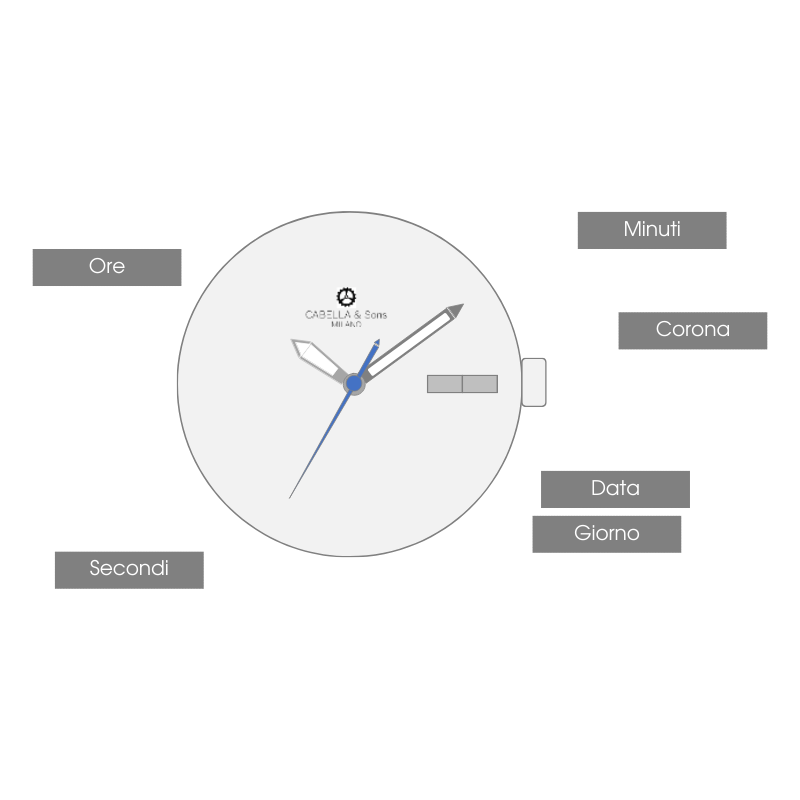
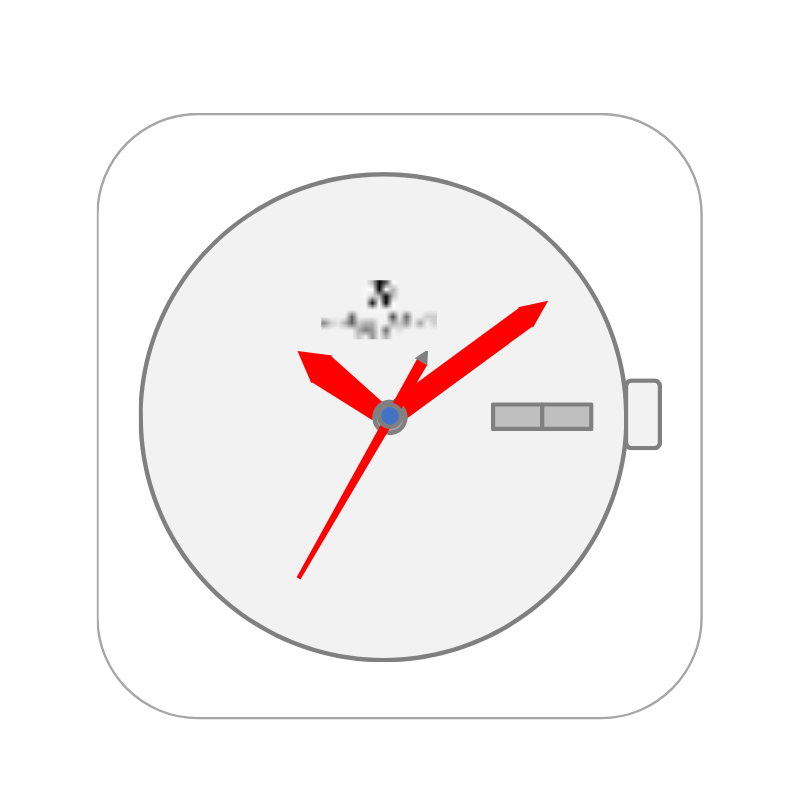
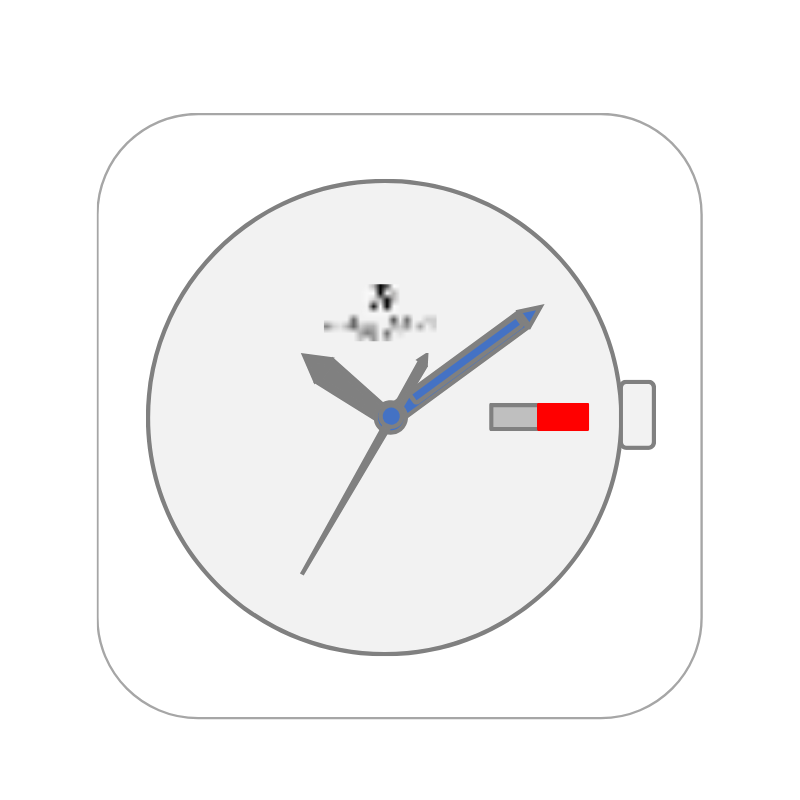
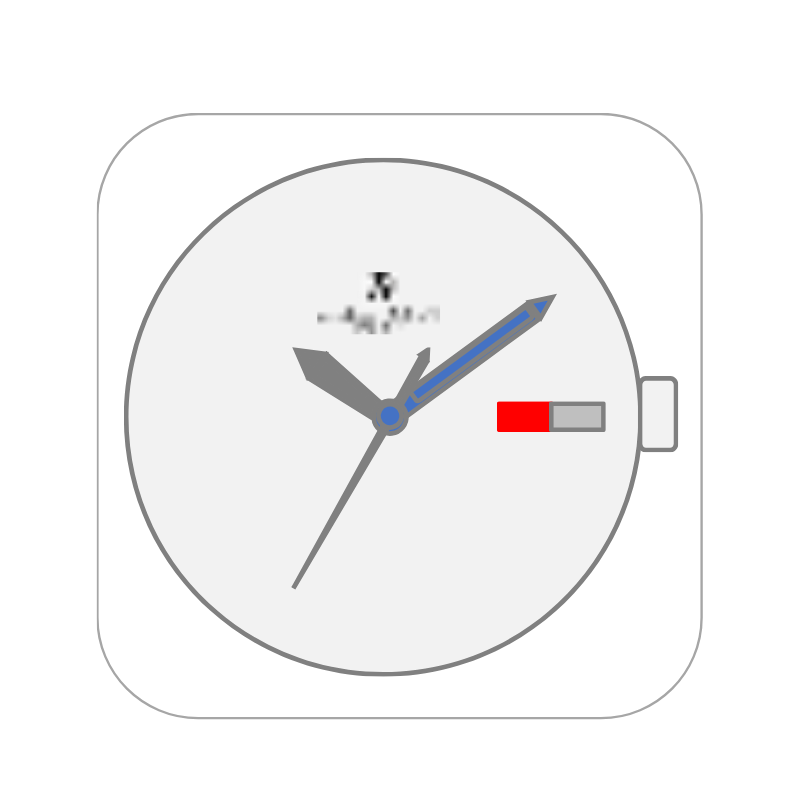
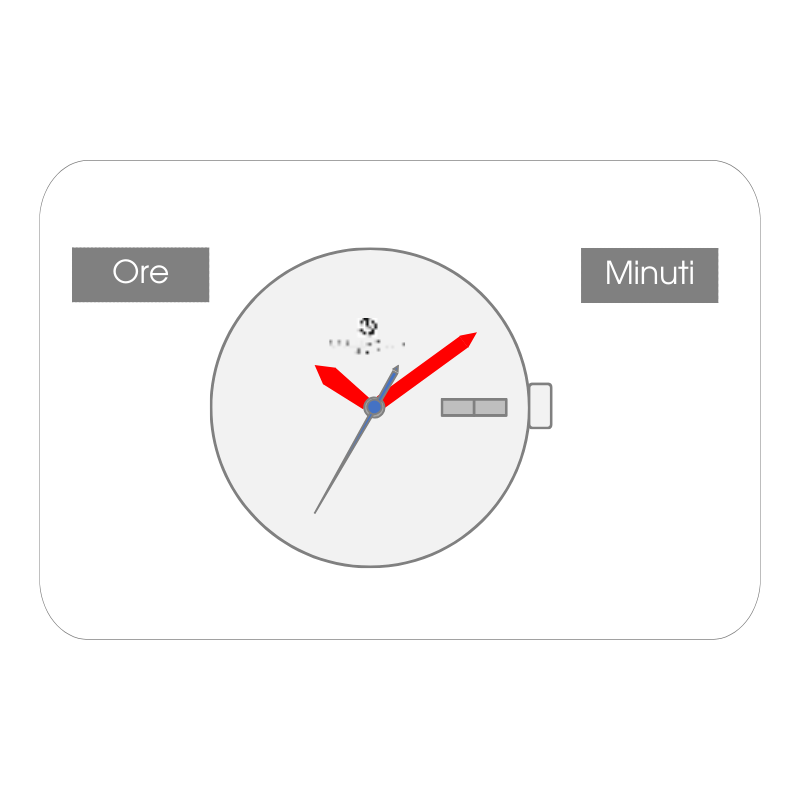
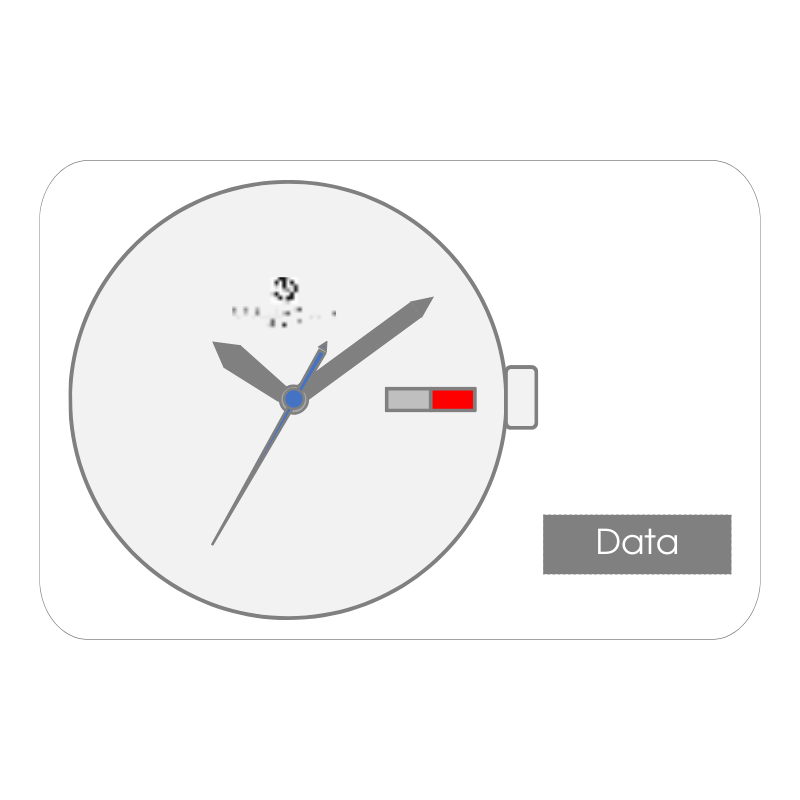
Romeo and Juliet Buy Now Hours, minutes and seconds Date Day of the week 1 – Set the Hours and Minutes Pull the crown out two positionsTurn the crown clockwise to advance the Minute and Hour hand and set Hour and MinutePress the crown back two positions 2 – Set the Date Pull the crown out one positionRotate the crown counterclockwise to set the DatePress the crown back one positionNOTE: To ensure that the Date remains set correctly, do not perform this operation between 9:00 PM and 1:00 AM. 3 – Set the Day Pull the crown out one positionTurn the crown clockwise to set the DayPress the crown back one positionNOTE: To ensure that the Day remains set correctly, do not perform this operation between 9:00 PM and 1:00 AM.The day of the week is available in two languages: English and French.