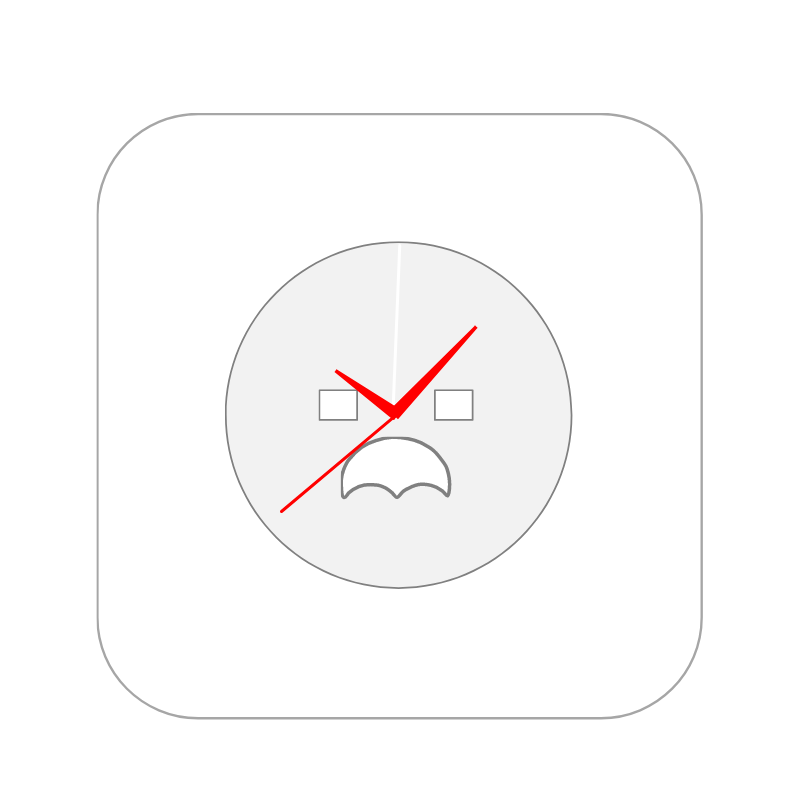
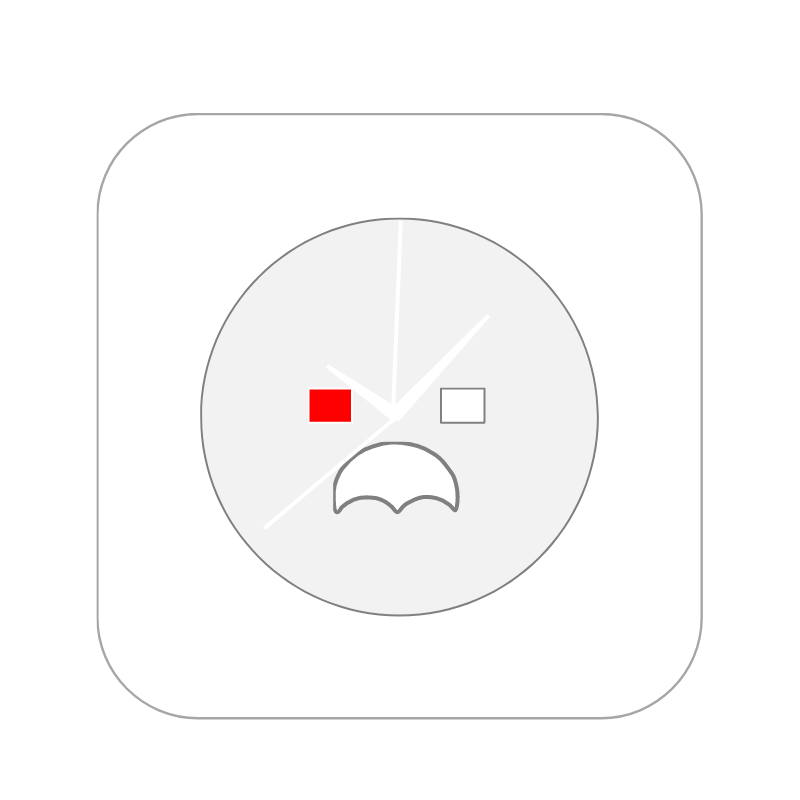
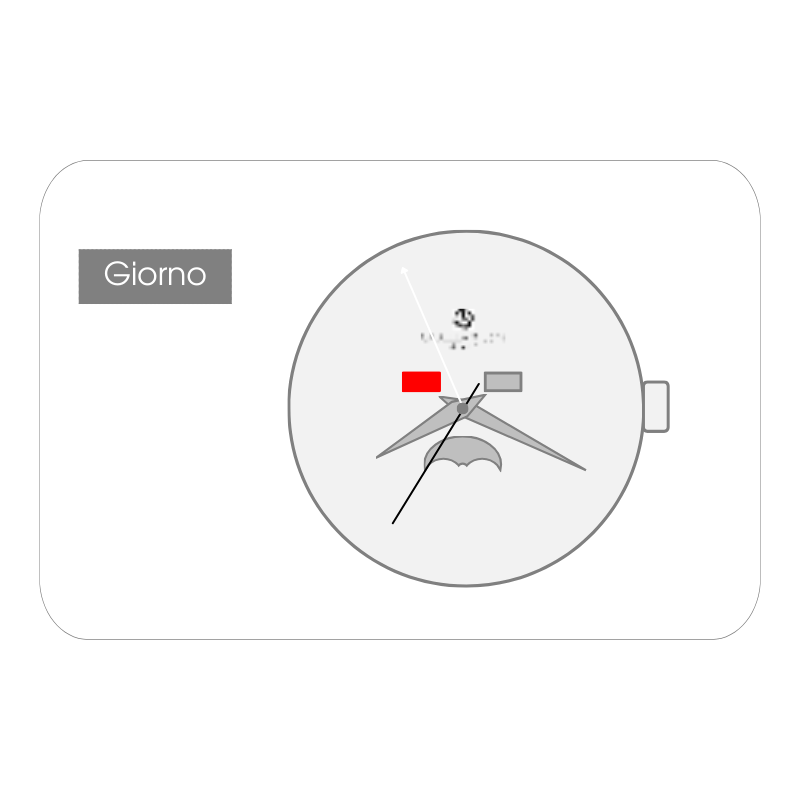
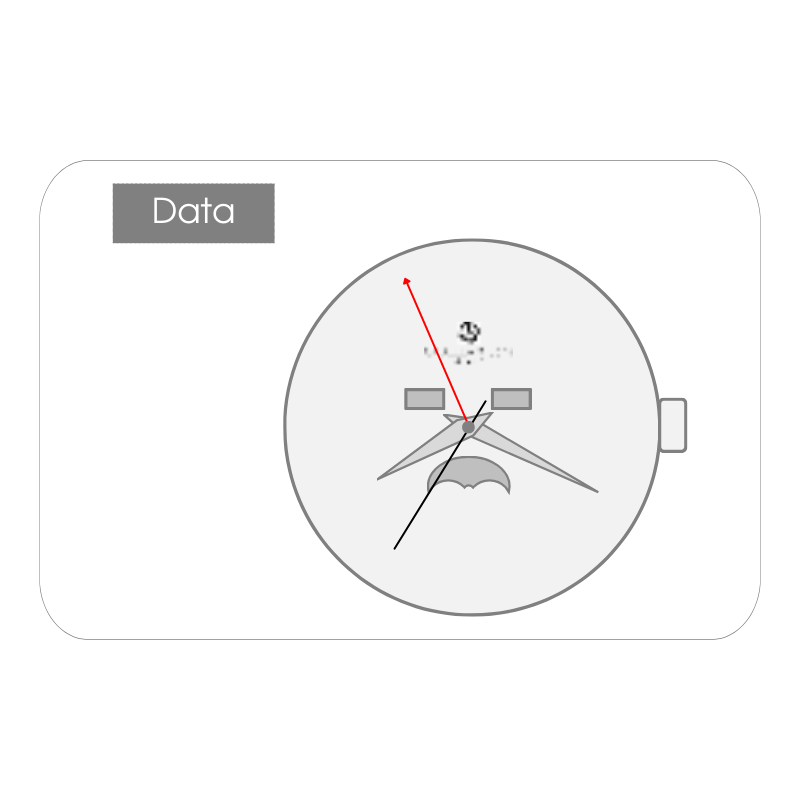
Rotate the crown clockwise to advance the Minute and Hour hands and set the Day of the Week (MON – SUN)
NOTE: To set the day of the week, you must advance the hour hand by 24H.
The day of the week jumps forward between midnight and five AM.
DO NOT turn the crown counterclockwise.
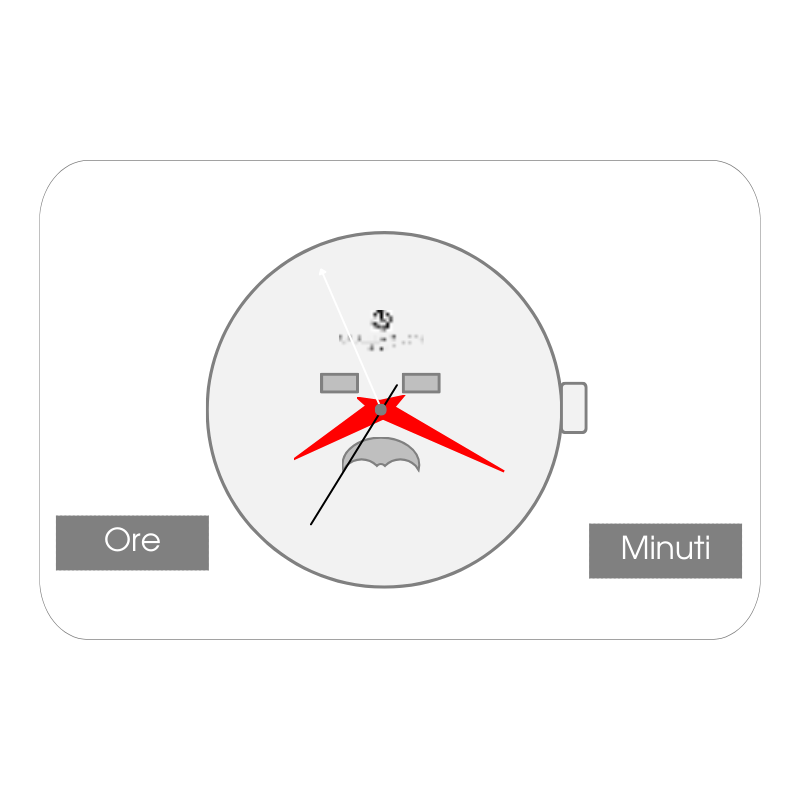
2 – Set minutes and hours
Pull the crown out two positions
Rotate the crown clockwise to advance the Minute and Hour hands.
NOTE: To ensure that the time remains set correctly, once the desired time has been set, it is recommended to move the large hand forward by 5 minutes and then back to the desired time. Apart from this last operation, do not turn the crown counterclockwise.
Pushing the crown back to its original position starts the second hand.
Make sure you have set the day or night time correctly (date hand (1 -> 31) jumps forward at midnight).
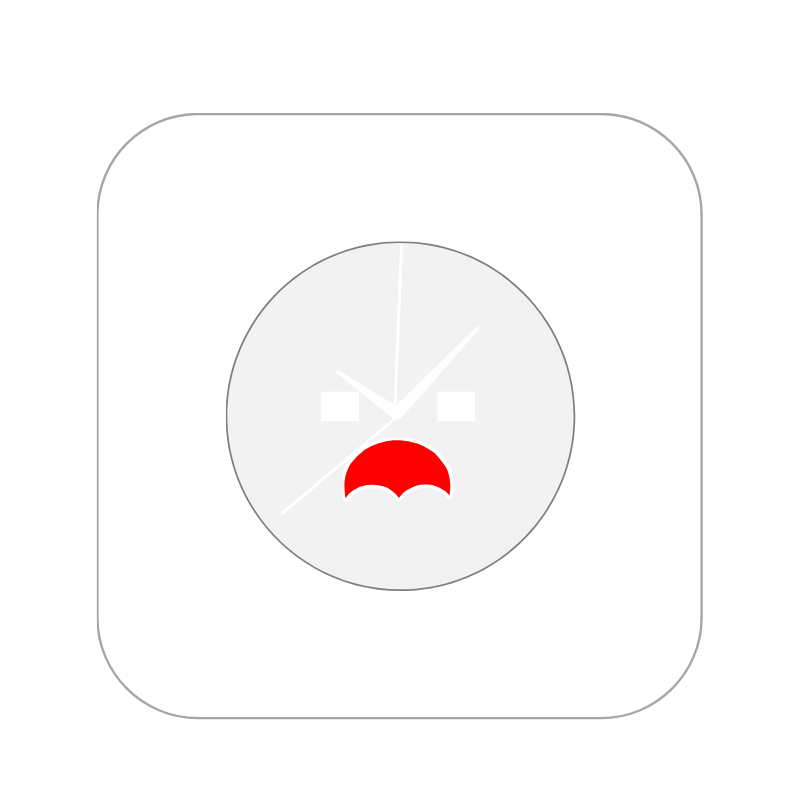
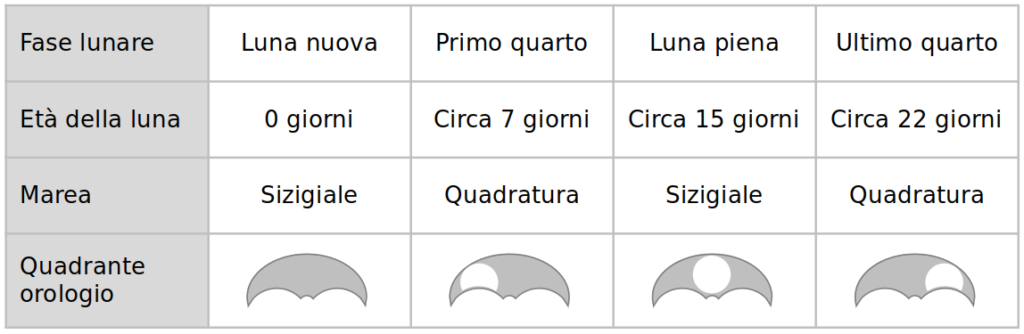
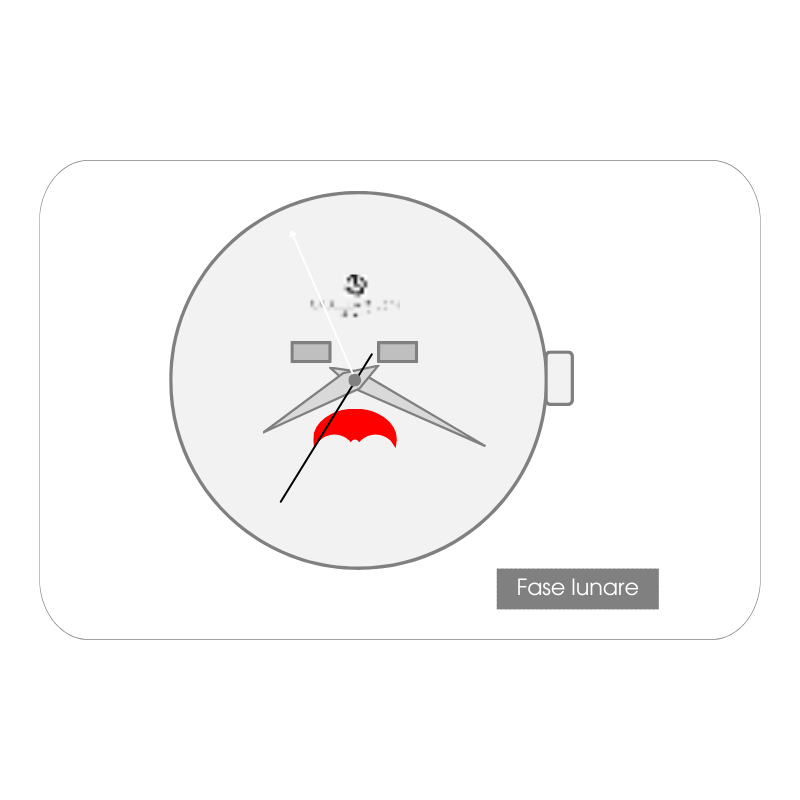
3 – Set the Moon Phase
Pull out the crown of one position
Rotate the crown clockwise to advance the moon phases
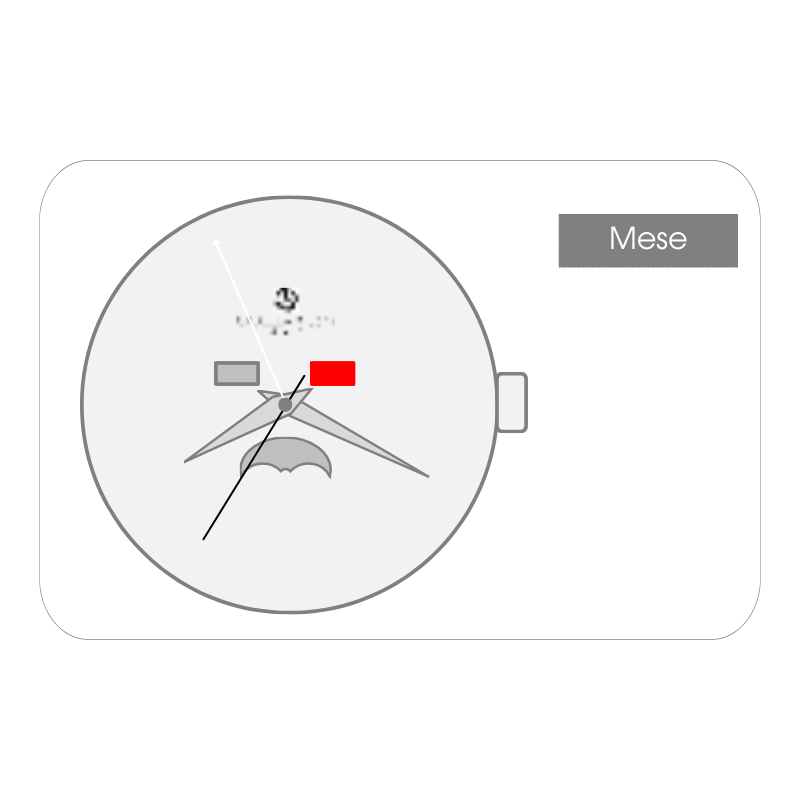
4 – Set the Month
Pull out the crown of one position
Turn the crown counterclockwise to advance the Date hand (1 -> 31)
The Month (JAN-DEC) jumps forward when the Date hand passes the 31st
5 – Set the Date
Pull out the crown of one position
Turn the crown counterclockwise to advance the Date hand (1 -> 31)
NOTE: The Month (JAN-DEC) jumps forward when the Date hand passes the 31st.
For months with fewer than 31 days, manually advance the date hand at the end of the month and return it to day 1.
Do not set the date between 9:00 PM and 12:30 AM, as the date may not update correctly the next day.