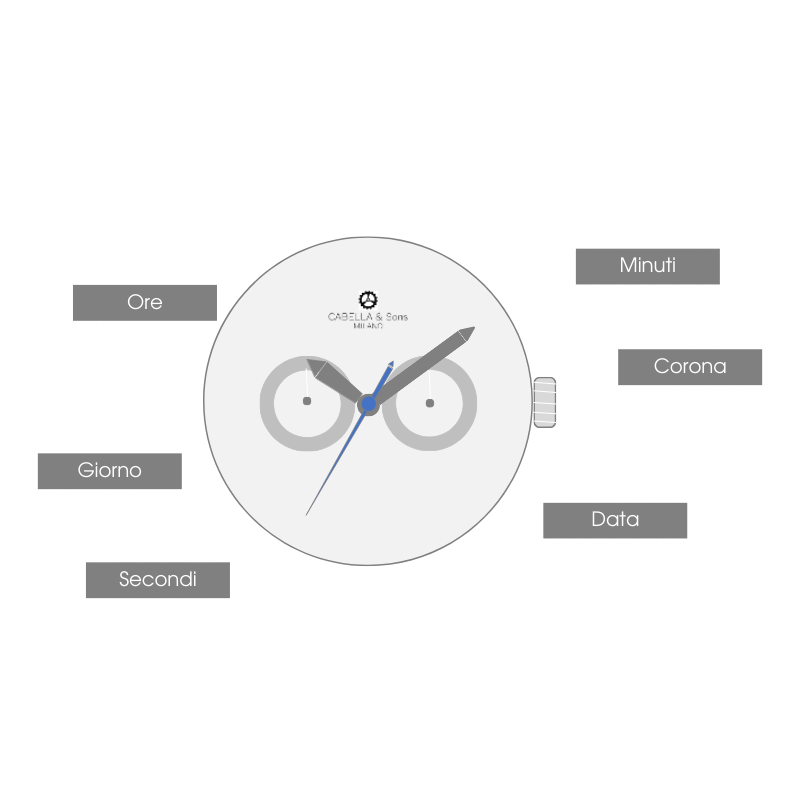
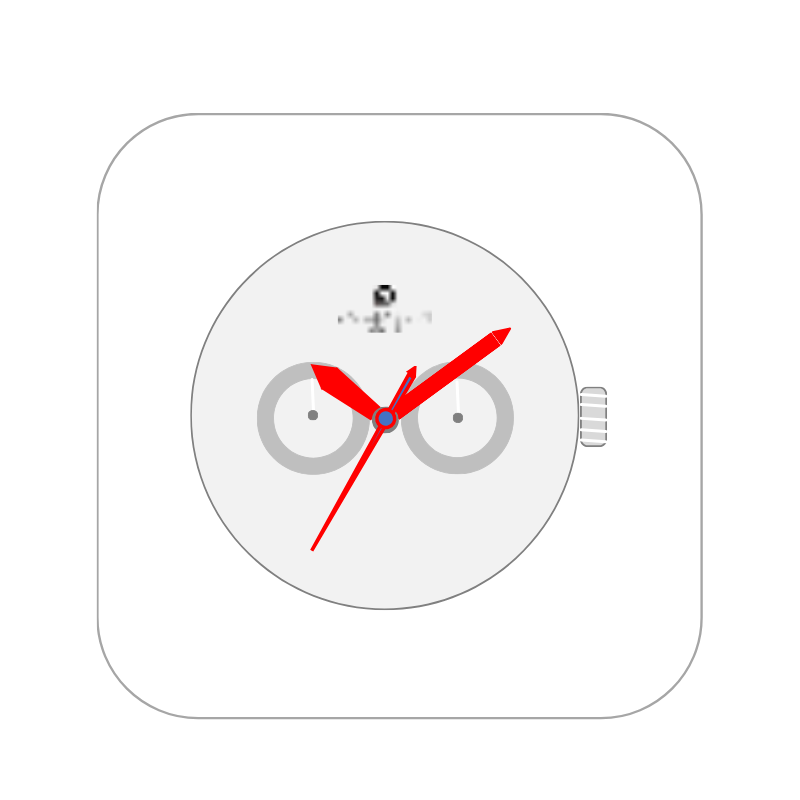
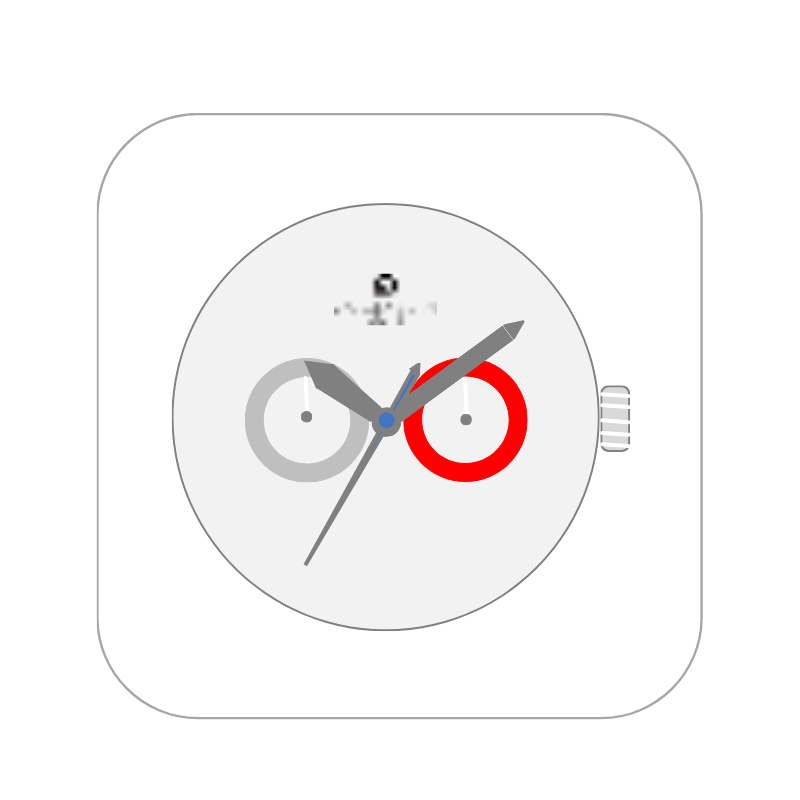
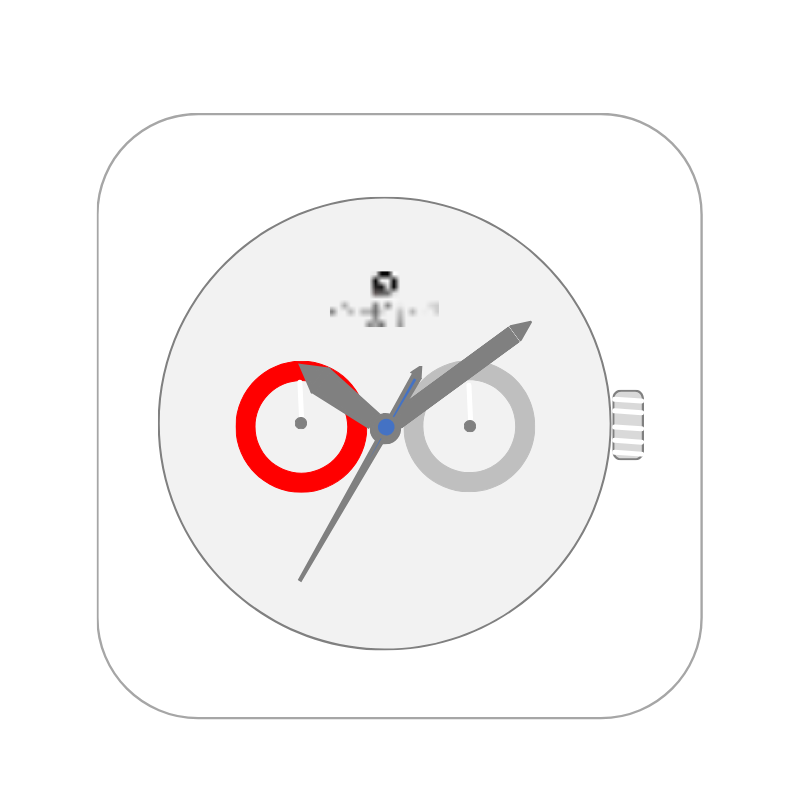
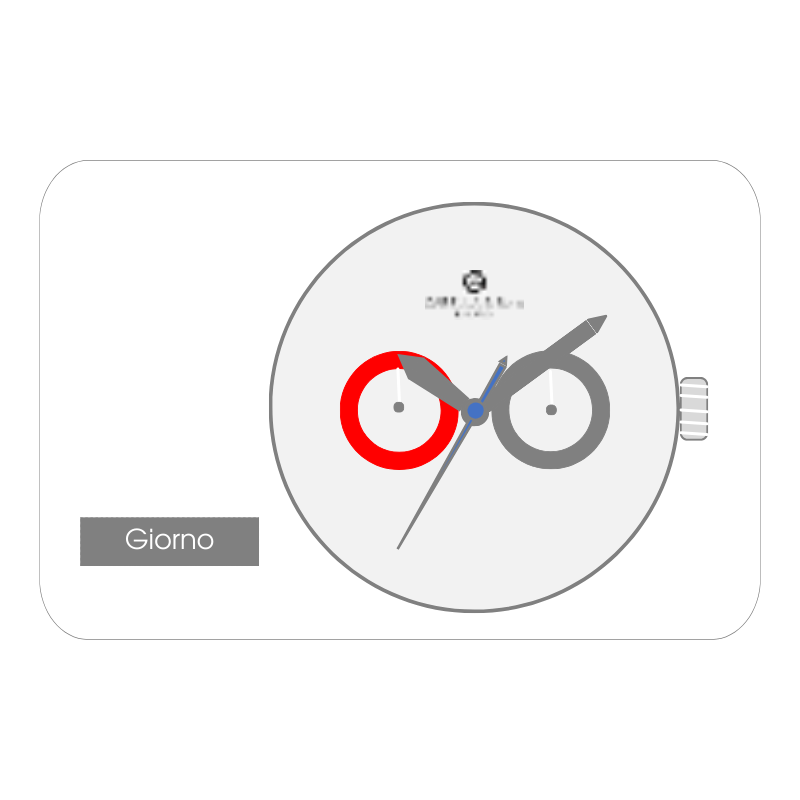
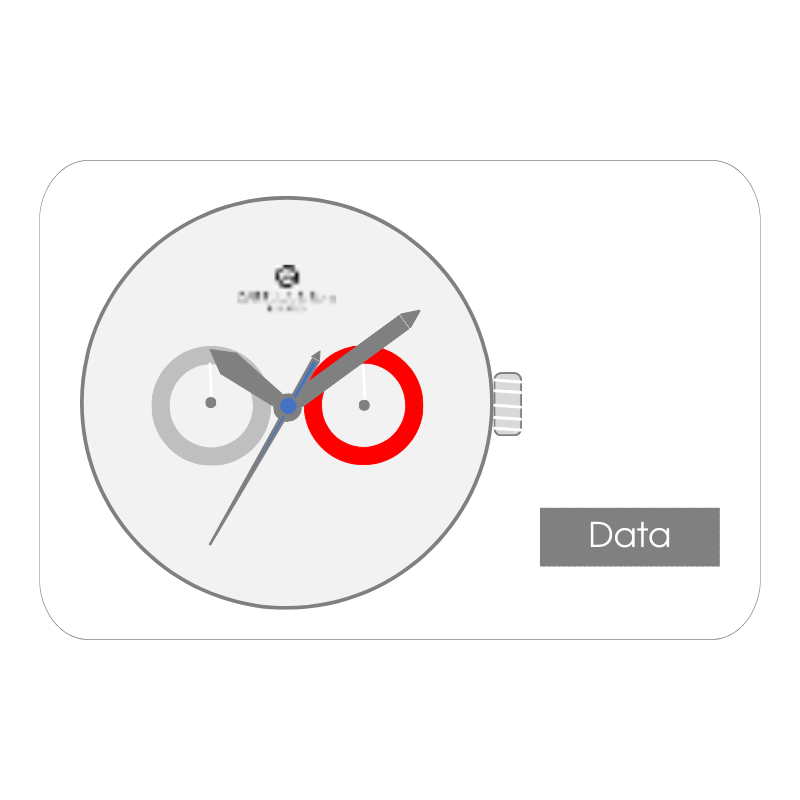
O2O Buy Now To set the clock, proceed in this order:Set DaySet Minutes -> HoursSet Date Hours, minutes and seconds Date Day of the week 1 – Set the day Pull the crown out two positionsTurn the crown clockwise to set the Day (do not turn counterclockwise)The day of the week hand advances every 24 hours (two revolutions of the hour hand)NOTE: To ensure that the Day remains set correctly, do not perform this operation between 9:00 PM and 1:00 AM.The day of the week is available in two languages: English and French. 2 – Set minutes and hours Pull the crown out two positionsRotate the crown clockwise to advance the Minute and Hour hands.Press the crown back two positionsNOTE: Make sure you have set the AM or PM time correctly. 3 – Set the Date Pull out the crown of one positionRotate the crown counterclockwise to set the DatePress the crown back one positionNOTE: To ensure that the Date remains set correctly, do not perform this operation between 9:00 PM and 1:00 AM.